Table of Contents
- Introduction
- What Counts as Technology for Kids?
- The Power of Screen-Free Technology Projects
- Simple Electronics and Circuitry Projects
- Beginner Robotics and Mechanics
- Unplugged Coding: Logic Without the Screen
- Digital Creativity: Moving from Consumer to Creator
- Connecting Technology to the Kitchen
- Technology Projects by Age Group
- How to Structure a Technology Project Session
- Overcoming Challenges: When Projects Fail
- The Role of Art in Technology
- Making Technology Accessible at Home
- Conclusion
- FAQ
Introduction
It usually starts with a simple question or a curious tug at a household gadget. Your child might ask how the remote control talks to the television or why a light bulb glows when they flip a switch. These moments of curiosity are the perfect invitations to explore technology projects for kids. For many of us, the word "technology" immediately brings to mind tablets and glowing screens, but for a budding scientist or engineer, it means so much more. It is about the tools, systems, and creative problem-solving we use to interact with the world around us.
At I'm the Chef Too!, we believe that the best way to understand how the world works is to get your hands dirty—literally and figuratively. Whether you are a parent looking for a weekend activity that beats another hour of video games or an educator searching for a way to make abstract concepts feel real, technology projects offer a bridge between "how" and "why." In this guide, we will explore a wide range of projects that span from screen-free mechanical builds to beginner-friendly digital creation. For more hands-on inspiration, explore our STEM activities for kids.
This article covers everything from simple circuitry and "unplugged" coding to building your own robots with supplies found in your kitchen or craft drawer. We will also look at how technology intersects with other areas of STEM, like the arts and even cooking. Our goal is to help you transform your kitchen table or classroom into a laboratory of innovation where kids can build confidence through creation.
Quick Answer: Technology projects for kids are hands-on activities that teach concepts like circuitry, coding logic, and mechanical engineering. They range from building simple "bristlebots" and paper circuits to creating digital animations, helping children move from being passive consumers of tech to active creators.
What Counts as Technology for Kids?
Before we dive into specific projects, it is helpful to redefine what we mean by "technology." In an educational context, technology is the "T" in STEM, and it refers to any tool or process created to solve a human problem. A pair of scissors is a piece of technology. A pulley system is technology. Even the whisk you use to whip up a batch of cupcakes is a technological tool designed to aerate ingredients efficiently.
When we introduce technology projects to children, we are teaching them to look at the world as a series of systems. We want them to understand that things don't just "work" by magic; they work because of specific inputs, outputs, and logical sequences. By stripping away the mystery of a circuit or a line of code, we empower children to see themselves as the masters of their environment. Our guide to creative technology STEM projects offers another way to frame these ideas.
For a five-year-old, technology might mean learning how a simple lever works. For a ten-year-old, it might mean building a hydraulic hand or writing their first script in a block-based coding language. The common thread is the move from being a spectator to being a designer.
The Power of Screen-Free Technology Projects
One of the biggest hurdles for parents and educators today is the battle against "passive screen time." We know that kids are naturally drawn to digital devices, but there is a massive difference between watching a video and actually building something. Screen-free technology projects allow children to develop fine motor skills, spatial awareness, and a physical understanding of physics that a screen simply cannot provide.
Hands-on builds require patience. When a child builds a physical circuit and the light doesn't turn on, they have to physically inspect the wires. They have to check the battery orientation. They have to touch the materials and engage their senses. This "iterative design process"—the fancy term for "trial and error"—is where the deepest learning happens.
Why Physical Projects Lead to Better Retention
When we engage multiple senses, the brain forms stronger connections. If a student is learning about conductivity, they could read about it in a textbook. However, if they use conductive dough to make a "Squishy Circuit" that powers a glowing LED eye on a clay monster, they are much more likely to remember how electricity flows. They can feel the texture of the dough, see the brightness of the light, and experience the satisfaction of completing the loop.
Simple Electronics and Circuitry Projects
Circuitry is often the best "entry point" for technology projects because the results are immediate and visual. Nothing beats the look on a child's face when a light bulb suddenly flickers to life because of something they built. For more related ideas, explore these hands-on technology crafts.
Paper Circuits with LED Cards
This is a fantastic project for both the classroom and the home because it requires very few specialized supplies. You only need copper tape, 3V coin cell batteries, and small LED bulbs.
- Map the path: Have the child draw a simple design on a piece of cardstock. Maybe it is a robot with glowing eyes or a star in the sky.
- Lay the "wires": Use the copper tape to create two separate lines leading from the battery to the LED. Explain that this is the path the electrons will travel.
- Bridge the gap: Attach the LED's "legs" to the copper tape. One leg is positive and one is negative, which introduces the concept of polarity.
- Complete the circuit: When the battery is pressed down onto the tape, the loop closes, and the light turns on.
This project teaches the difference between an open and closed circuit. It also integrates art, as the technology becomes a part of their creative expression.
Squishy Circuits using Conductive Dough
If you have younger children who find tape and small bulbs a bit finicky, squishy circuits are the way to go. You can use standard play dough (which is conductive because of the salt and water content) and a special "insulating" dough made with sugar.
By creating shapes with the conductive dough and separating them with the insulating dough, kids can build 3D sculptures that light up, buzz, or even move with small motors. It is a tactile, messy, and wonderful way to introduce the flow of electricity.
Key Takeaway: Circuitry projects teach children about the flow of energy and the importance of a complete loop. By using physical materials like tape or dough, they learn that technology is something they can touch and manipulate.
Beginner Robotics and Mechanics
Once a child understands the basics of a circuit, the next logical step is to add motion. Robotics is essentially the marriage of circuitry and mechanical engineering. These robot STEM project ideas can provide additional inspiration for building and testing.
Building Bristlebots
A "bristlebot" is one of the simplest robots you can make. It uses a tiny vibrating motor (the kind found in an old cell phone or available in bulk online) and the head of a toothbrush.
- The Science: When the motor spins, it creates a vibration. Because the bristles of the toothbrush are flexible and angled, that vibration is converted into directional movement.
- The Project: Kids can tape a coin battery and the motor to the top of the toothbrush head. As soon as the wires touch the battery, the "robot" starts scuttling across the table like a bug.
- The Learning: This introduces the concept of converting one type of energy (vibrational) into another (kinetic). It also allows for experimentation—what happens if you change the angle of the bristles? What if you add "legs" made of pipe cleaners?
Hydraulic Robotic Hands
For a project that focuses more on mechanics than electronics, a hydraulic hand is a show-stopper. Using cardboard, string, plastic syringes, and some tubing filled with water, kids can build a mechanical hand that "grips" when they push a plunger.
This project teaches the principles of fluid dynamics and pressure. It mimics how real-world industrial robots and heavy machinery work. It is a brilliant way for educators to show the "Engineering" side of technology, proving that you don't always need electricity to create a complex machine.
Unplugged Coding: Logic Without the Screen
Many parents want their kids to learn to code, but they are wary of adding more hours to their daily screen time. The good news is that coding is essentially just a way of thinking. It is about logic, sequences, and "if-then" statements. You can teach these concepts through "unplugged" activities. For more ideas, try these screen-free coding activities.
Binary Code Jewelry
Computers don't speak English; they speak binary—a language of 1s and 0s. You can teach this concept using two different colors of beads.
- The Activity: Provide a binary alphabet chart. Have the child find the 8-bit code for their initial.
- The Build: Using black beads for "0" and white beads for "1," they can string together a bracelet or keychain that spells out their name in computer language.
- The Result: They walk away with a cool accessory and a fundamental understanding of how data is stored and translated.
Backyard "If-Then" Mazes
This is a great group activity for educators or families with multiple children. One person acts as the "programmer," and the other acts as the "robot."
The programmer must give the robot specific, step-by-step instructions to navigate a maze of hula hoops or chalk drawings. To make it a true technology project, introduce logic gates: "If you step on a red square, then turn left. If you step on a blue square, then clap your hands." This mimics how software handles different inputs to produce specific outcomes.
Digital Creativity: Moving from Consumer to Creator
While we champion screen-free play, we also recognize that digital literacy is a vital skill. The key is to shift the child’s role. Instead of playing a game someone else made, they should be the one building it. Families looking for more ideas can explore these computer projects for kids.
Stop Motion Animation
Stop motion is a perfect blend of technology and the arts. It requires a tablet or smartphone, a simple app, and a lot of patience.
When children create a stop motion film using clay or LEGO figures, they are learning about frame rates, timing, and digital editing. They begin to understand how the movies they watch are constructed. It turns the device into a tool for storytelling rather than a source of passive entertainment.
Block-Based Coding (Scratch)
If your child is ready for actual programming, platforms like Scratch (developed by MIT) are the gold standard. Instead of typing complex syntax, kids snap together colorful blocks that represent different commands.
We often see children use these platforms to create their own "interactive stories." They might code a character to jump when the spacebar is pressed or change the background when a score reaches ten. This builds a strong foundation for future learning in languages like Python or Java, but it feels like play.
Connecting Technology to the Kitchen
At I'm the Chef Too!, we see the kitchen as the ultimate laboratory. People often forget that the kitchen is filled with technology. From the way an induction cooktop uses electromagnetism to heat a pan to the way a microwave uses radiation to vibrate water molecules, the kitchen is a tech-heavy environment.
The Technology of Tools
When we teach kids to cook, we are teaching them to use tools. Understanding how a thermometer measures heat or how a scale uses sensors to calculate mass is a technology lesson in itself. We can take this further by looking at the "technology" of ingredients.
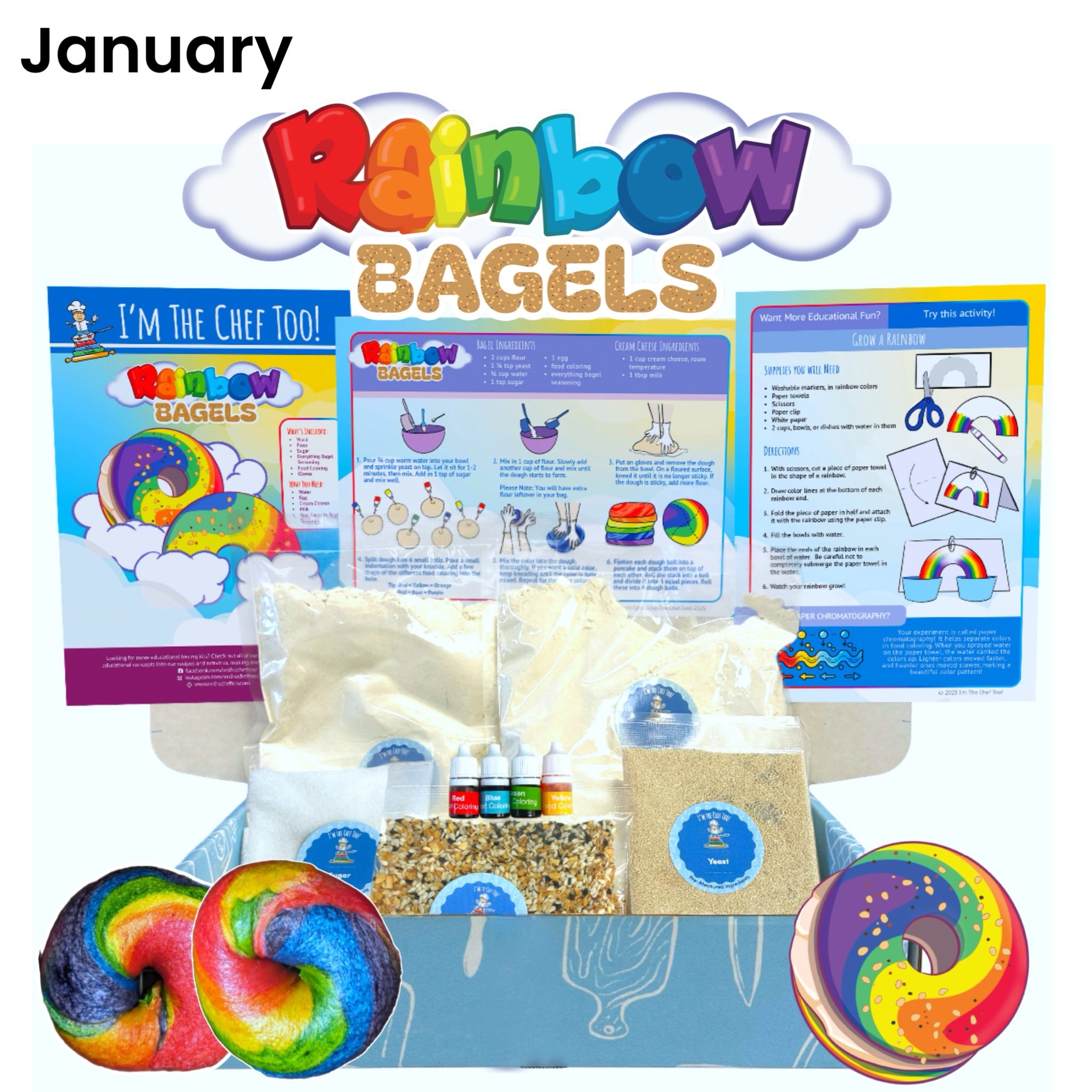
For example, when we look at the chemistry of baking, we are seeing a biological "technology"—yeast—transforming sugars into gases to make bread rise. This is a form of biotechnology. When we use our Galaxy Donut Kit, we aren't just making a snack; we are exploring the vastness of space and the science of how we observe it. We use the "technology" of color blending and glaze consistency to create edible art that looks like a nebula.
Measurement and Precision
In both tech projects and cooking, precision is everything. If you misplace a single "0" in a line of code, the program fails. If you use a tablespoon of salt instead of a teaspoon in a cake, the result is inedible.
Bottom line: Whether you are building a robot or baking a themed treat, the underlying skills are the same: following a sequence, measuring with accuracy, and understanding how different components work together to create a final result.
Technology Projects by Age Group
Not every project is suitable for every child. To keep the experience "edutainment" rather than frustrating, it is important to match the project to the child's developmental stage.
| Age Range | Suggested Projects | Key Concepts Learned |
|---|---|---|
| Preschool (3-5) | Color-mixing with flashlights, simple levers, discovery bottles | Cause and effect, basic tools |
| Early Elementary (6-8) | Paper circuits, bristlebots, unplugged coding games | Conductivity, loops, logic |
| Late Elementary (9-11) | Stop motion, hydraulic hands, Scratch programming | Iterative design, pressure, sequences |
| Middle School (12+) | DIY solar ovens, building computers, advanced robotics | Energy transfer, hardware, syntax |
How to Structure a Technology Project Session
If you are a parent or educator setting up a technology project for the first time, a little bit of structure goes a long way. You want to provide enough guidance so they don't feel lost, but enough freedom so they can truly "own" the project.
Step 1: Define the Problem
Start with a prompt. Instead of saying, "We are making a robot," say, "We need to find a way to make this toothbrush head move across the table without us touching it." This frames the activity as a challenge to be solved.
Step 2: Explore the Materials
Let the kids touch the wires, the batteries, and the tools. Ask them what they think each part does. This builds familiarity and reduces the "fear" of breaking things.
Step 3: The "Draft" Phase
Encourage them to try a solution even if they aren't sure it will work. In technology, the first attempt is rarely the final one. We call this the "Alpha" version.
Step 4: Test and Tweak
If the circuit doesn't light up or the robot just spins in circles, ask them why. This is the most important step. Don't fix it for them. Ask questions like, "Is the battery touching both wires?" or "What would happen if we moved the weight to the other side?"
Step 5: Share and Reflect
Once the project is working, let them show it off. Explain what happened. If you are in a classroom, have students compare their builds. Why did one bristlebot move faster than another?
Overcoming Challenges: When Projects Fail
In our experience as educators, we have found that the "failed" projects are often the most valuable. In the world of technology, a "bug" is just an opportunity to learn.
Encourage a growth mindset. When a child gets frustrated because their code isn't working, remind them that even professional software engineers spend most of their time "debugging." This builds resilience. It teaches them that a mistake is not a dead end; it is just a piece of data telling them to try a different path.
If a physical project like a hydraulic hand is leaking water, it’s a chance to talk about seals and pressure. If a paper circuit won't light, it's a chance to talk about insulation and contact. By staying positive and curious, you help the child see themselves as a capable problem-solver.
The Role of Art in Technology
The "A" in STEAM is often the secret ingredient that keeps kids engaged. Pure technology can sometimes feel cold or overly academic to some children. By adding an artistic element, you make the project personal.
We see this often in our themed kits, like the Erupting Volcano Cakes Kit. While the core lesson is about chemical reactions (the "science" and "tech" of how acids and bases interact), the "art" of sculpting and decorating the cake is what makes the experience memorable.
When a child builds a robot, they shouldn't just build a motor on a brush. They should give it a personality. They should add eyes, a name, and a "home." When they write code, they should be telling a story. By integrating the arts, we ensure that technology projects appeal to the "whole child," sparking both the logical and creative sides of the brain.
Making Technology Accessible at Home
You don't need a high-tech lab to foster a love for technology. Most of the best projects for kids use everyday items.
- Create a "Maker Station": Dedicate a small bin or corner to "tech scraps." Old charging cables (with the ends safely removed), batteries, LEDs, cardboard, and rubber bands are all goldmines for a curious child.
- Focus on the Process: Don't worry about the final product being "perfect." A lopsided robot that actually moves is a huge victory.
- Be a Co-Explorer: You don't have to have all the answers. In fact, it is often better if you don't. Saying, "I'm not sure why that didn't work—let's figure it out together," is a powerful way to model scientific thinking.
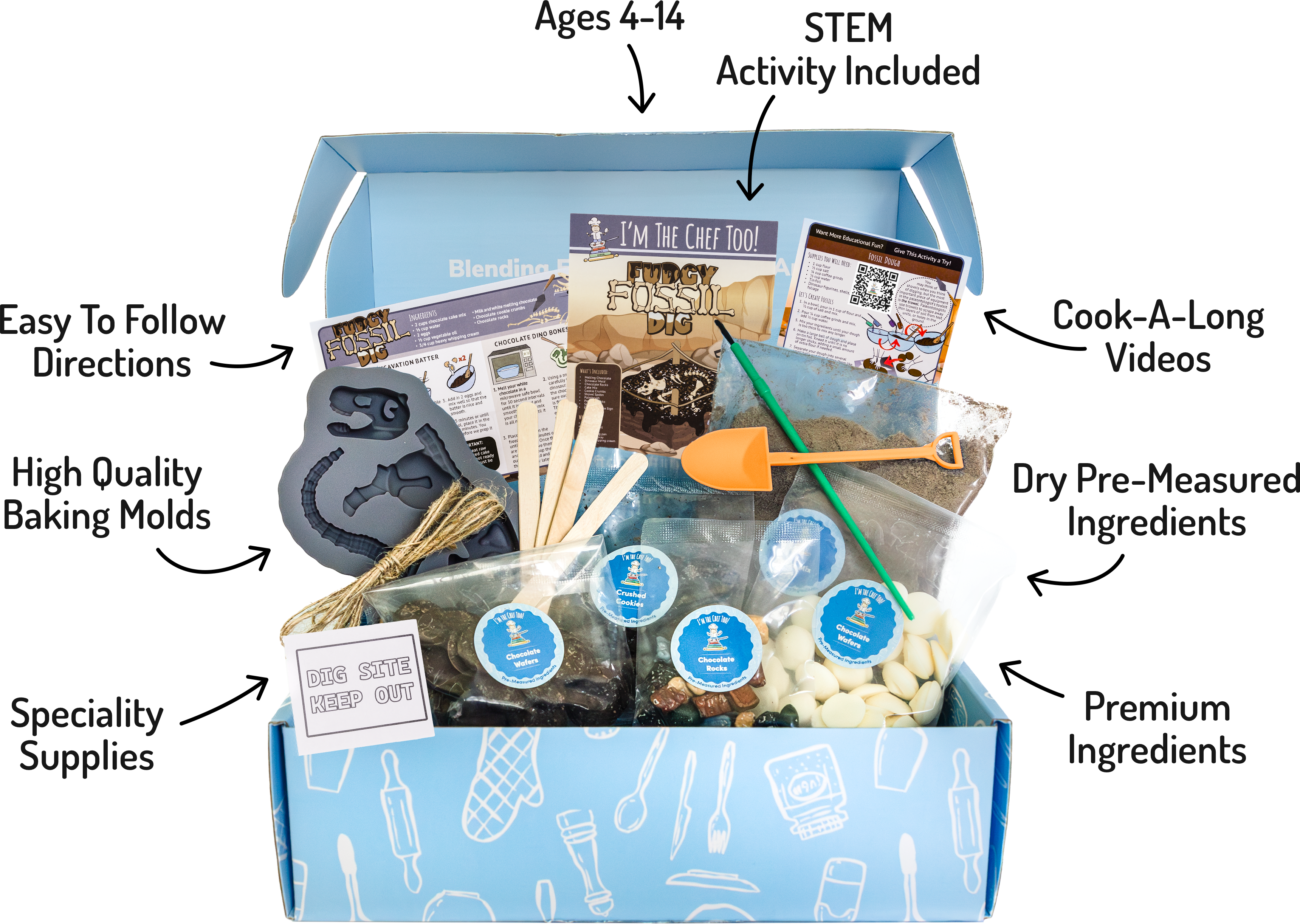
Using a subscription like The Chef's Club is another way to bring these experiences home without the stress of planning. We handle the "how" by providing the pre-measured ingredients and specialty supplies, so you can focus on the "wow" of the learning experience. Our kits are designed to be a bridge, helping families step away from screens and into a world of hands-on discovery.
Conclusion
Technology projects for kids are about far more than just learning to use a computer. They are about developing a mindset of curiosity, a willingness to experiment, and the confidence to build the future. From the simplest paper circuit to the most complex stop-motion animation, these activities prove that technology is a tool for human expression and problem-solving.
At I'm the Chef Too!, we are dedicated to making these lessons as fun as they are educational. By blending STEM with the arts and the joy of cooking, we create "edutainment" experiences that stick. Whether you are building an Erupting Volcano Cake or coding a backyard maze, you are helping your child see that they have the power to create, not just consume.
Key Takeaway: The goal of any technology project is to move a child from a passive observer to an active creator. By providing hands-on, screen-free opportunities to build and "debug," we foster a lifelong love of learning and a resilient spirit.
- Start small with a household circuit or a simple "unplugged" coding game.
- Focus on the "why" and "how" behind the tools we use every day.
- Celebrate the "bugs" and failures as essential parts of the learning process.
Ready to start your next adventure? Explore our individual kits or join The Chef's Club to bring a new cooking STEM experience to your door every month.
FAQ
What are some good technology projects for kids who don't like screens?
Great screen-free options include building paper circuits with copper tape, creating "bristlebots" from toothbrush heads and vibrating motors, or constructing hydraulic hands using cardboard and syringes. These projects teach the fundamentals of circuitry and mechanics without a digital interface. Families can find more ideas in our robot STEM projects for kids.
Is coding considered a technology project for kids?
Yes, coding is a core part of technology. You can introduce it through "unplugged" activities like binary bead jewelry or backyard logic games, or through "edutainment" platforms like Scratch where kids use block-based logic to create their own games and stories.
How can I teach my child technology in the kitchen?
You can explore the technology of kitchen tools, such as thermometers and scales, or dive into the "biotechnology" of ingredients like yeast and enzymes. Our Galaxy Donut Kit is a perfect example of how to blend space science and the "tech" of cooking into one fun, edible project.
Are technology projects safe for elementary-aged children?
Yes, most kid-focused technology projects are very safe, but they should always be done with adult supervision. Projects involving small batteries (like coin cells), low-voltage LEDs, or simple household tools are excellent for teaching safety and responsible tool use in a controlled environment.